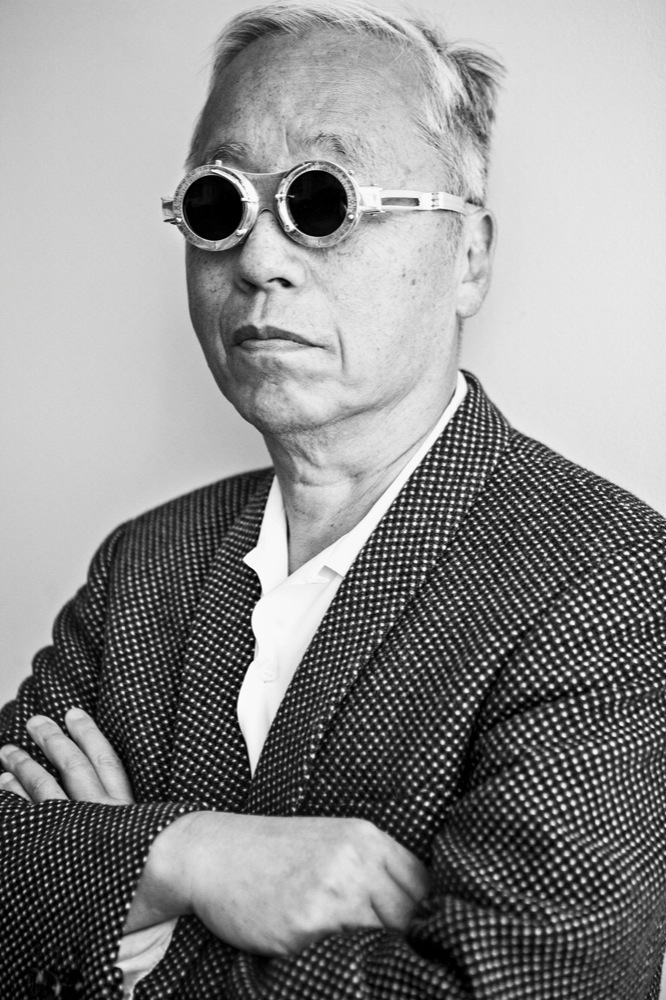
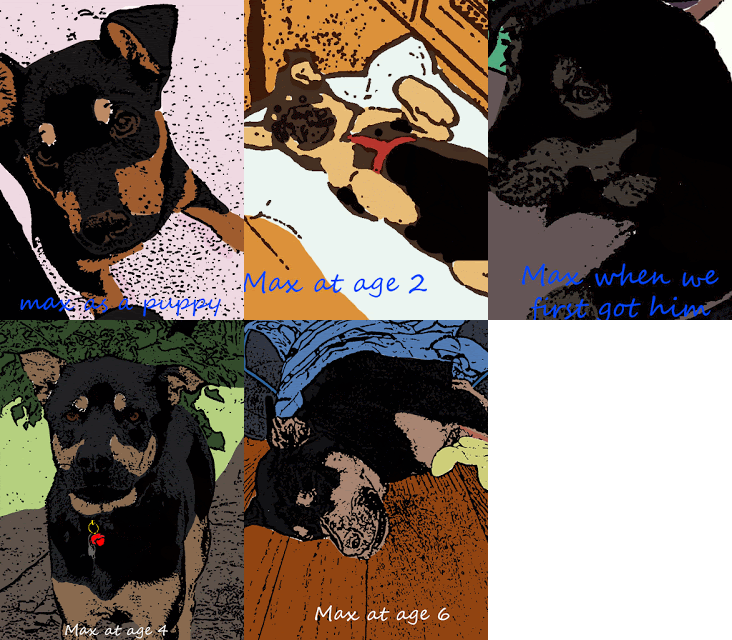
Intro cartoon - Before and After
2 projects - stock images
Post the before and after images to your website
Hiroyuki Sanada
1. Open image
2.Layer- Background copy.
3.Choose black and white paintbucket
4. Filter Gallery- stamp
4. New layer.Paint
5. Blending mode - Multiply
Save as PSD if you are still working on it.
To save to your website - click file export- save as jpeg
Use eyedropper tool and paintbrush and blending modes.
Photoshop Cartoon Image Creation Rubric
| Criteria |
3 Points |
2 Points |
1 Point |
| Technical Steps Completion |
All 5 specified steps executed perfectly with precision and attention to detail |
Most steps completed with minor errors or omissions |
Minimal steps completed or significant errors in process |
| Layer Management |
Expertly creates and manipulates layers with clear understanding of blending modes and layer techniques |
Demonstrates basic layer creation and some understanding of blending modes |
Struggles with layer creation and blending mode concepts |
| Tool Utilization |
Demonstrates advanced proficiency with eyedropper, paintbrush, and blending modes |
Shows basic understanding and moderate skill with Photoshop tools |
Limited ability to use Photoshop tools effectively |
| File Saving/Export |
Correctly saves as PSD and exports to JPEG with optimal quality and file management |
Saves files with some technical accuracy |
Incorrect file saving or export procedures |
| Creative Interpretation |
Unique and innovative approach to cartoon image creation with artistic flair |
Satisfactory creative interpretation with some originality |
Minimal creative effort or interpretation |
Grading Notes:
- Total Possible Points: 15
- 13-15 Points: Excellent
- 10-12 Points: Proficient
- 7-9 Points: Developing
- 0-6 Points: Needs Improvement